Tint
Color
Bright
Contrast
H. Position
V. Position
V. Height
V. Hold
Volume
Reset
⚙
⛶
⟳
▶
▶
Take
Video
Screenshot
What
As you see it (this tab)
Monitor
Screen
Filter
CRT
Off (sharp pixels)
● Record
Soft reset
Hard reset
Video
PAL
NTSC
JOY 1
None
Keyset 1 (WASD + Right Option/Alt)
Keyset 2 (Arrows + Right Option/Alt)
JOY 2
None
Keyset 1 (WASD + Right Option/Alt)
Keyset 2 (Arrows + Right Option/Alt)
ROMs
Commodore
JiffyDOS
DolphinDOS
Professional DOS
SIDs
1
2
3
SID 2
SID 3
REU
Off
128 KB
256 KB
512 KB
1 MB
2 MB
4 MB
8 MB
16 MB
Sound
No expansion
DigiMAX (user port)
DigiMAX cartridge ($DE00)
DigiMAX cartridge ($DF00, no REU)
SFX Sound Expander (YM3526, no REU)
SFX Sound Expander (YM3812, no REU)
SFX Sound Sampler (no REU)
Userport DAC
Memory
No more
GeoRAM 512 KB
GeoRAM 1 MB
GeoRAM 2 MB
GeoRAM 4 MB
RamCart 64 KB
RamCart 128 KB
+60K (memory mod)
+256K (memory mod)
C64 256K (memory mod)
Double Quick Brown Box
Clock
None
DS12C887 ($DE00)
Download .reu
CPU Speed
50%
100% (normal)
150%
200%
400%
Warp (as fast as possible, no sound)
Fit
Monitor + C64
Monitor only
Actual size
TV
NTSC
PAL
SECAM
Joystick 1: WASD or arrows, fire Space or V
Joystick 2: IJKL, fire B
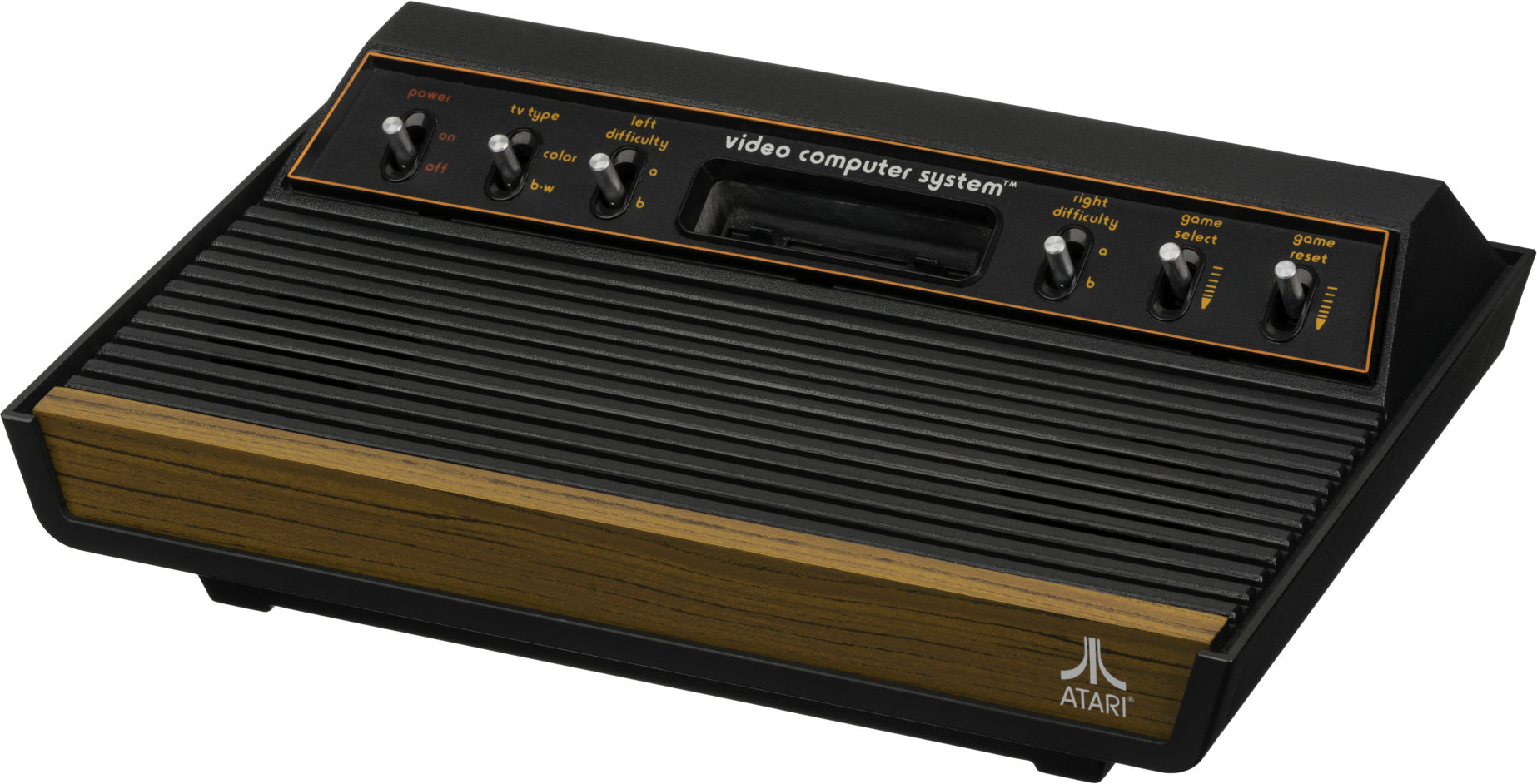
Game Select: Shift+Space · Game Reset: Shift+Enter
Pixels
Fill screen
Sharp (every pixel the same size)
Filter
CRT (soft pixels, scanlines)
Off (crisp pixels)
Monitor
Tint, Color, Bright, Contrast
Tint
Color
Bright
Contrast
Volume
Monitor control panel
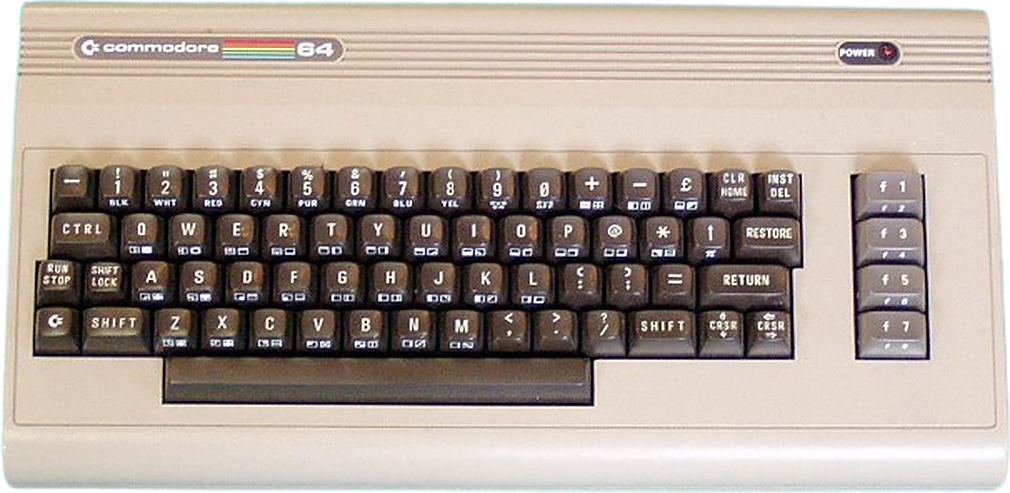
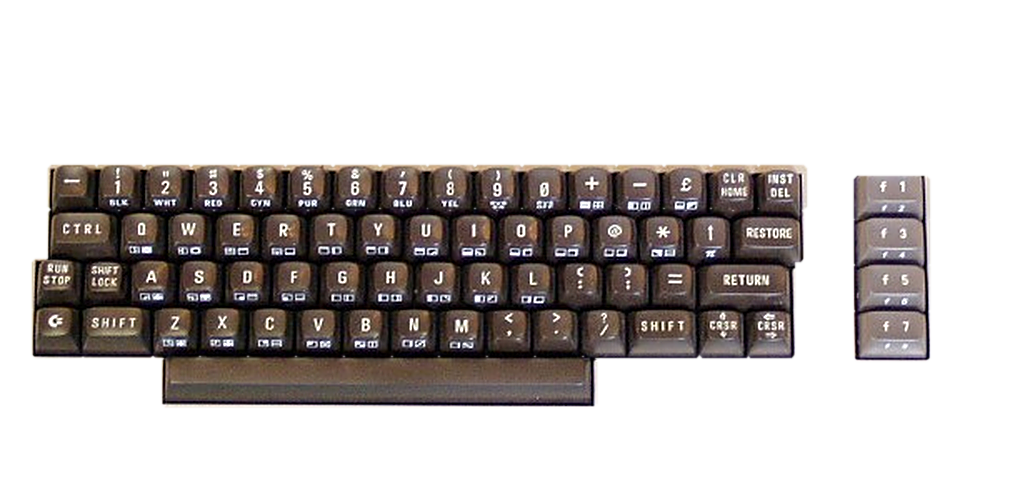
C64 keyboard
Full screen
Open VICE menu "F12"
Apply & Reset